Turn it.
Your Mac follows.
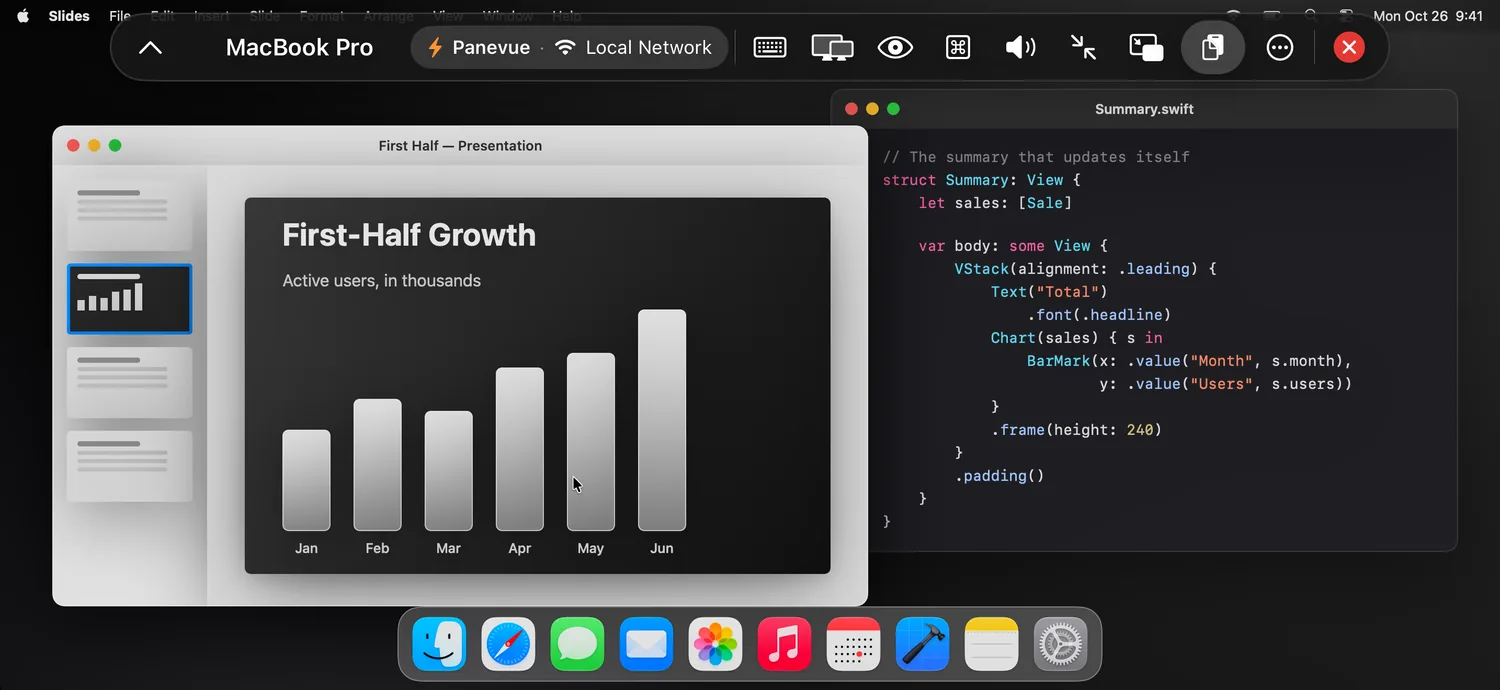
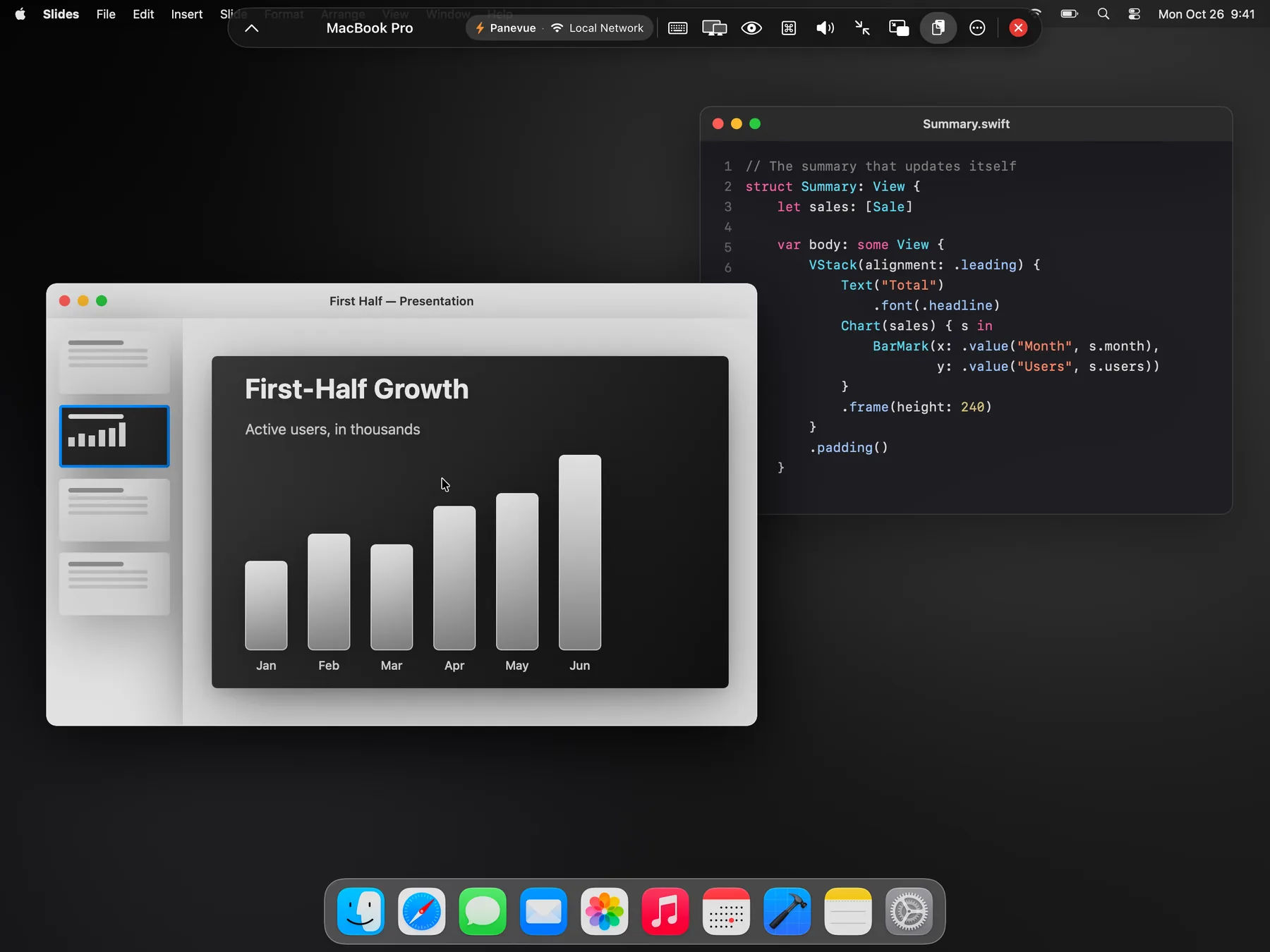
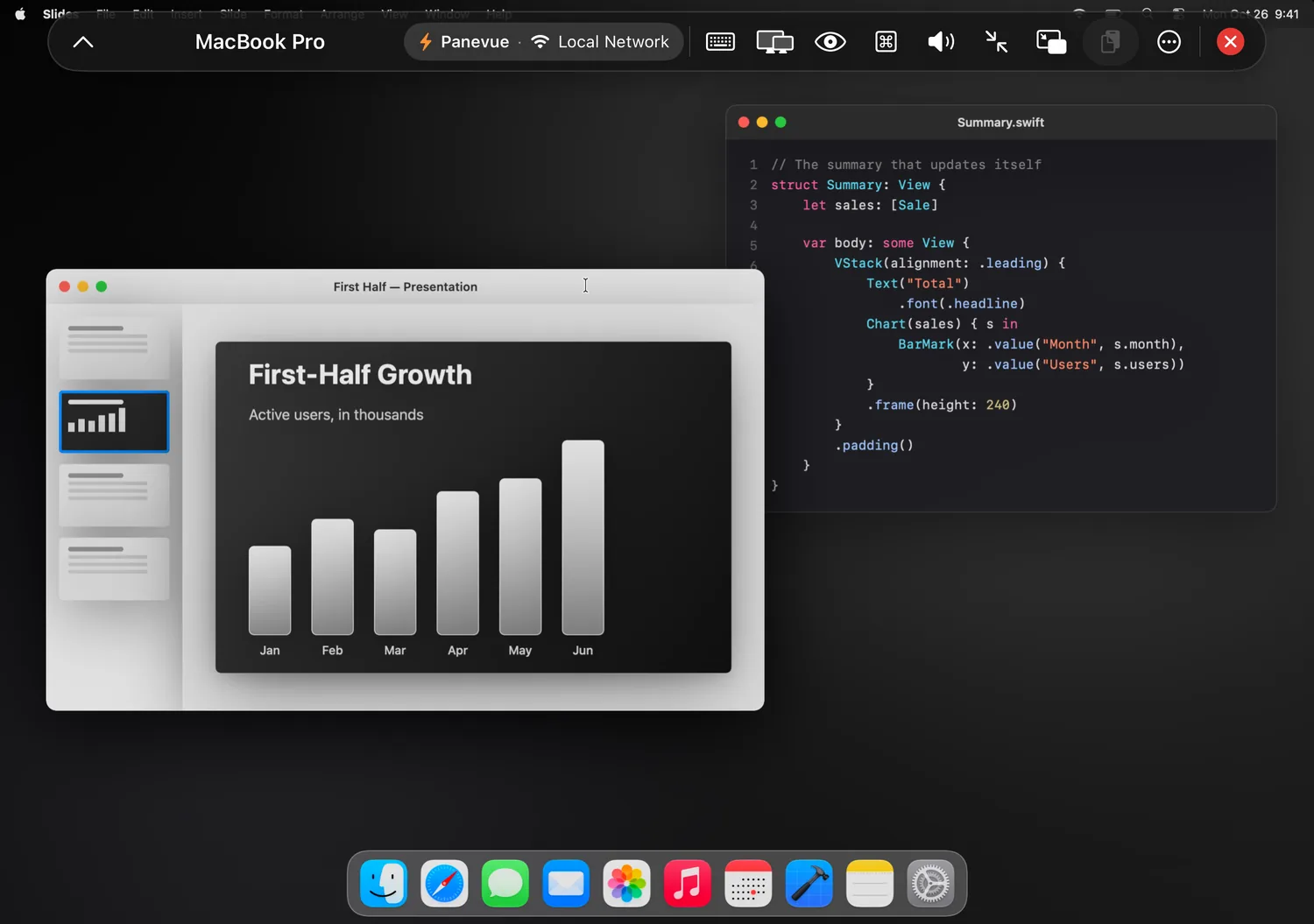
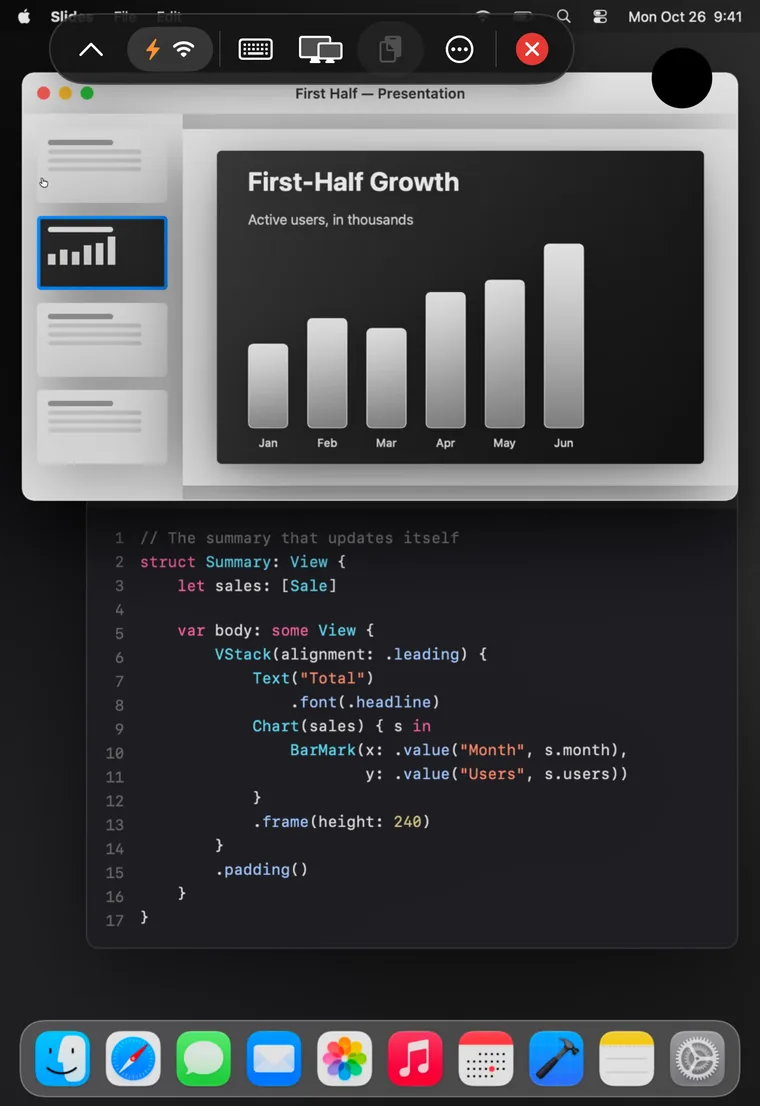
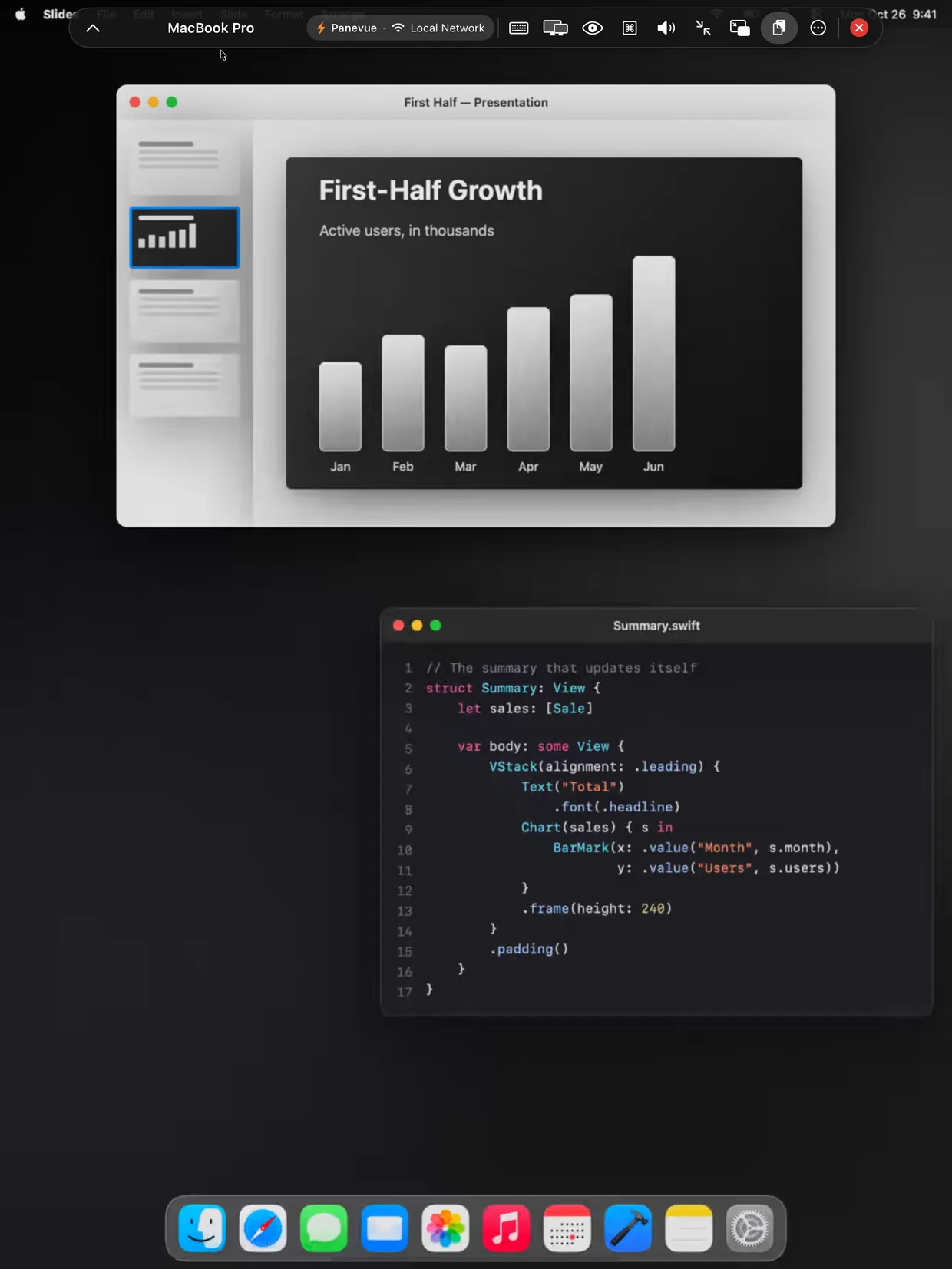
Your Mac reshapes to fill the screen. No black bars.
 Panevue
Not a picture that stutters along. Your Mac's screen, sharp and smooth, in the exact shape of your device, with a mouse and keyboard that respond right away.
iPadOS and iOS 26 · Panevue for Mac requires macOS 26
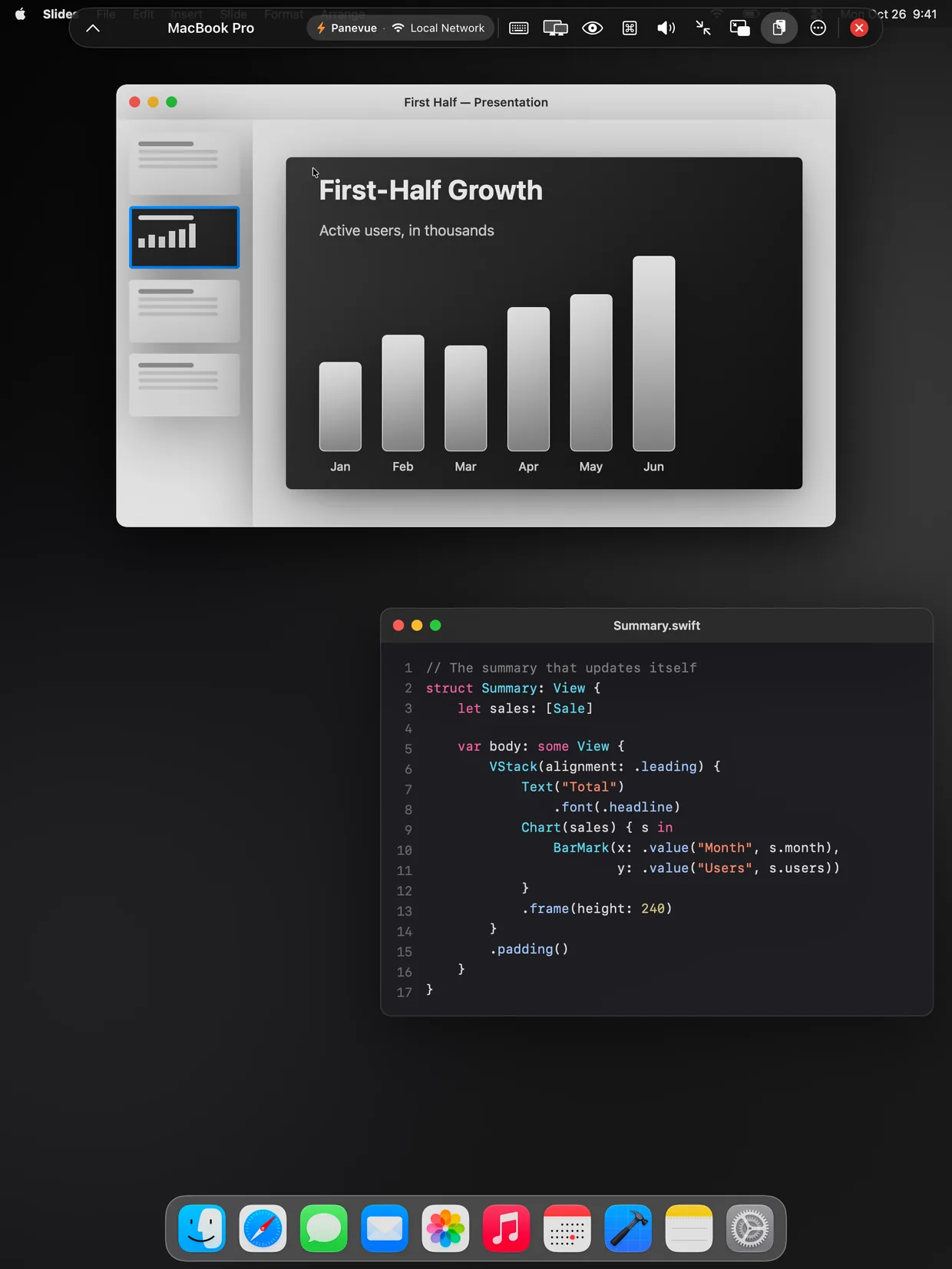
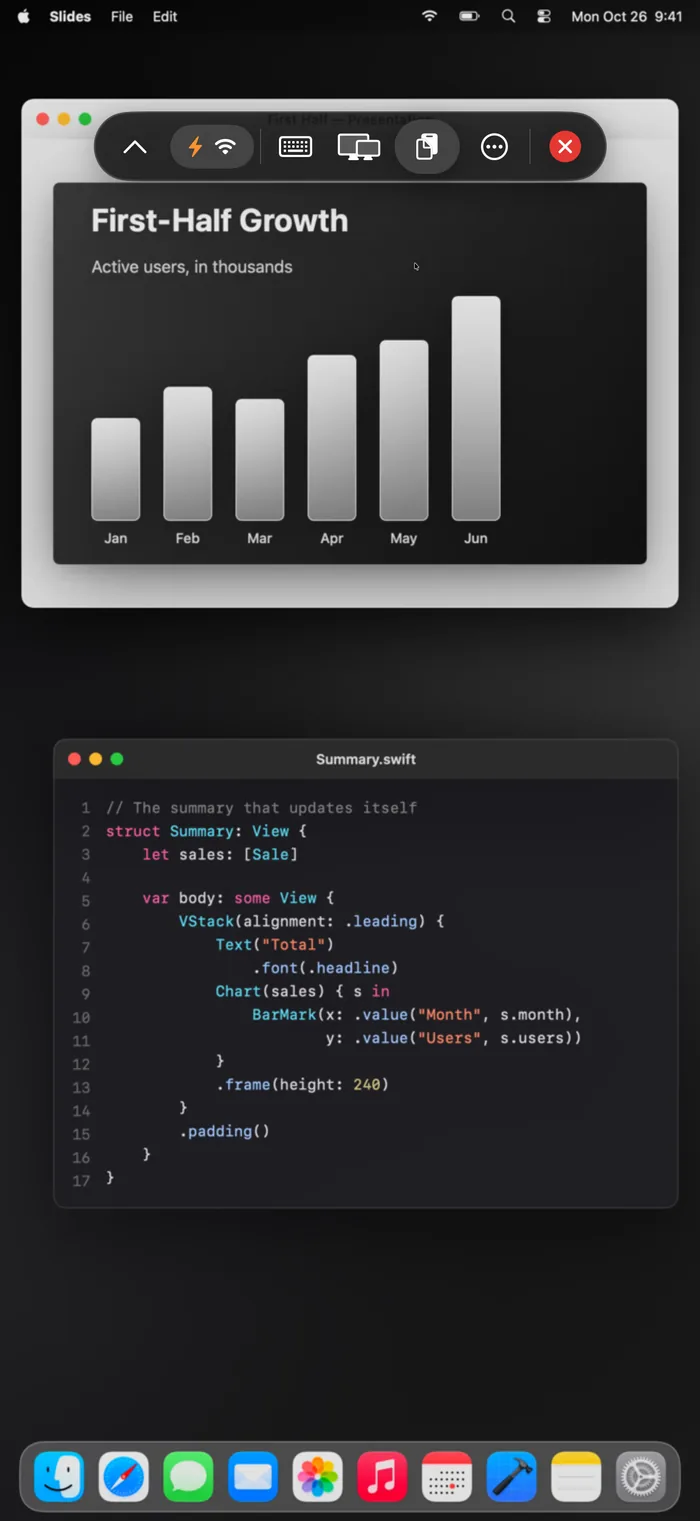
Your Mac reshapes to fill the screen. No black bars.
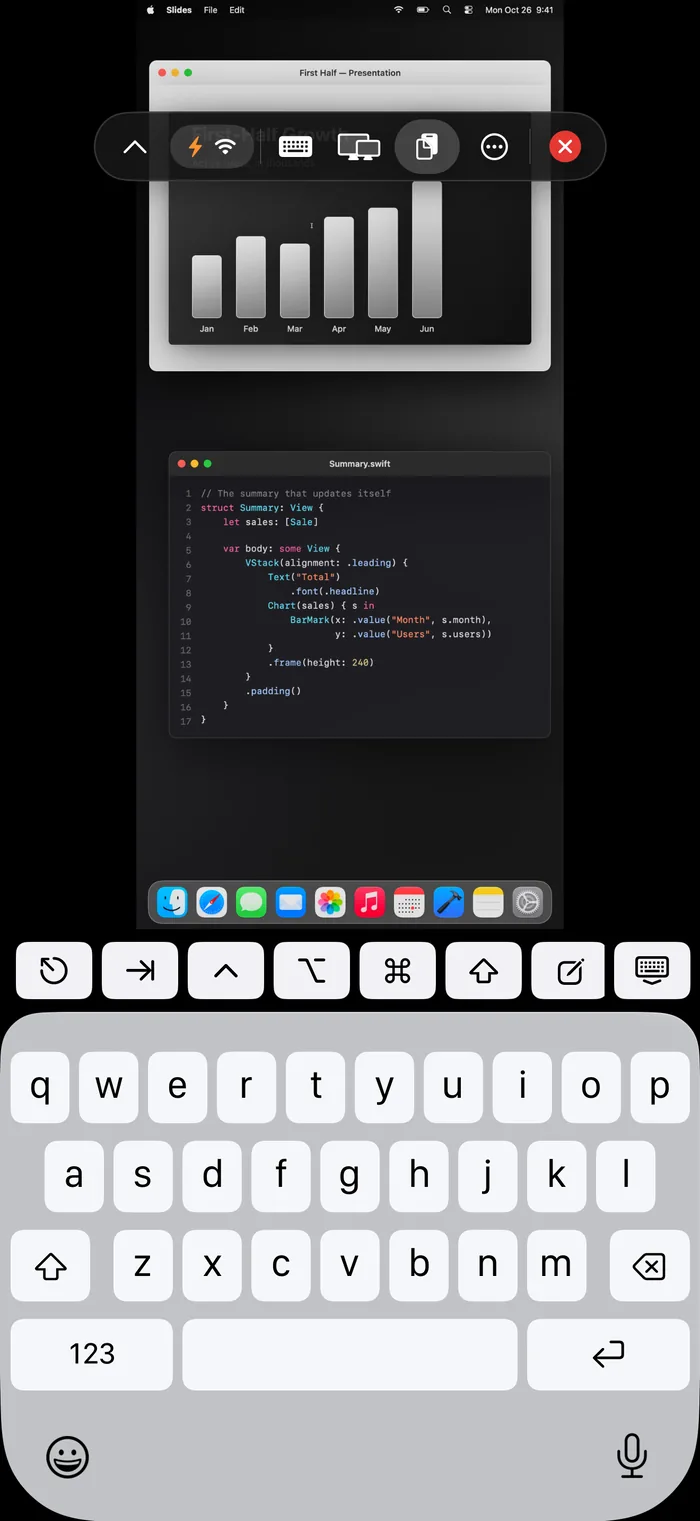
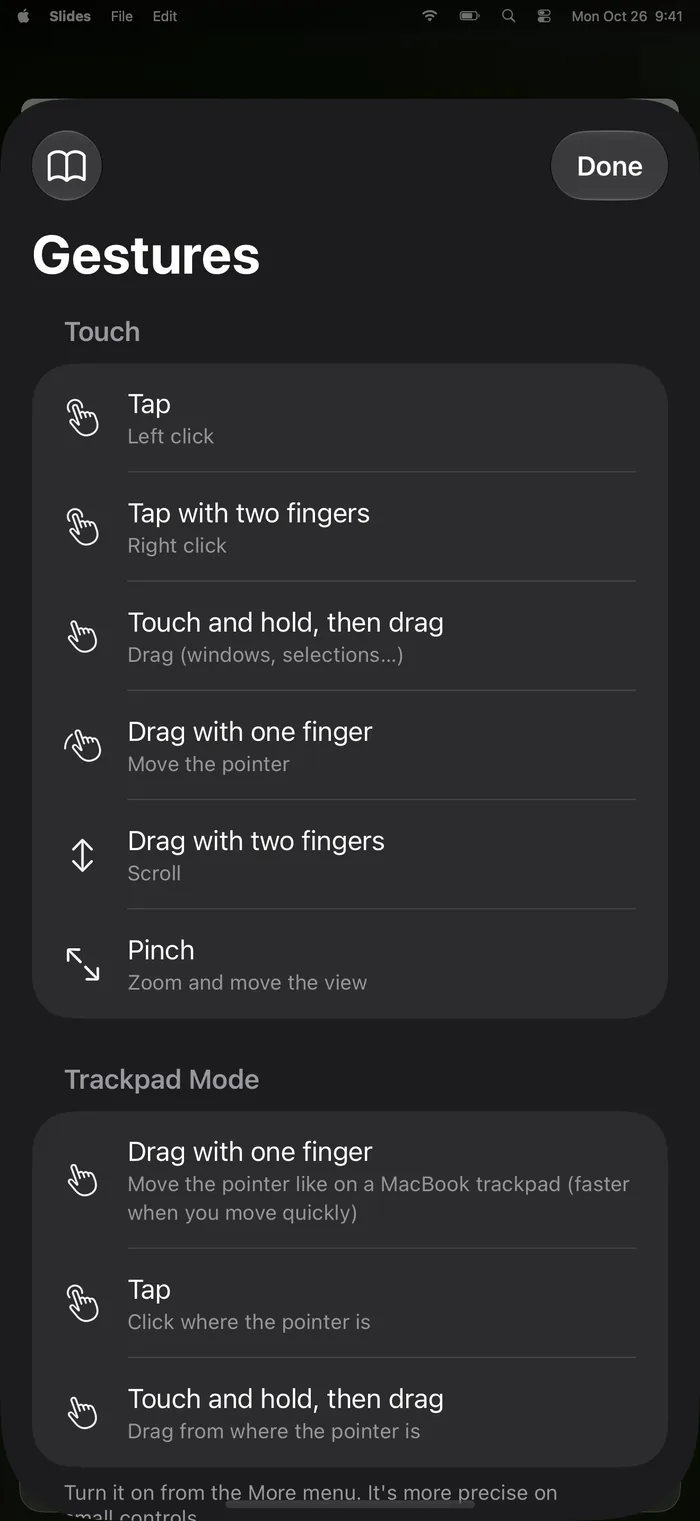
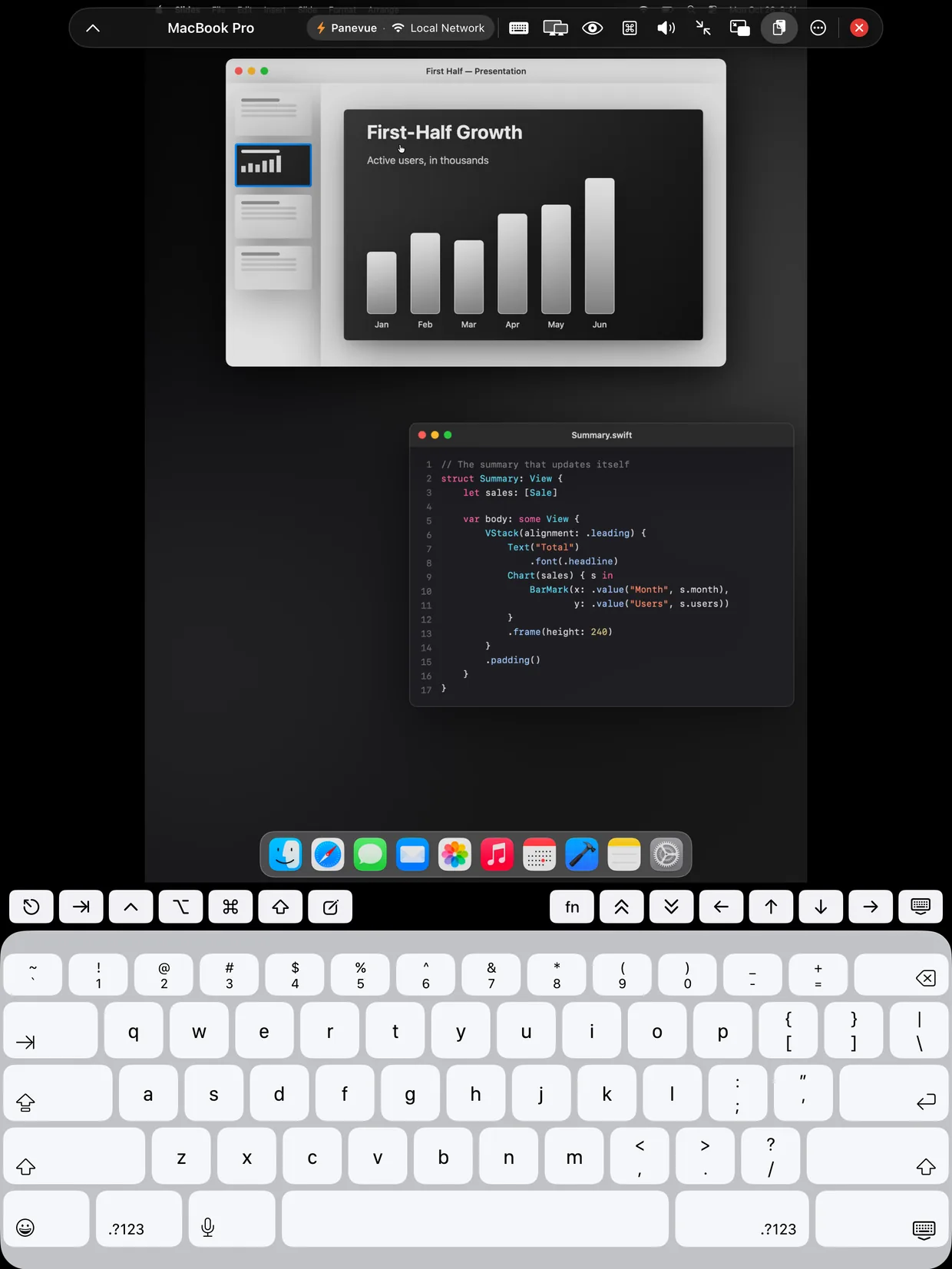
Esc, Tab, ⌘, ⌥, arrows and function keys above the keyboard.
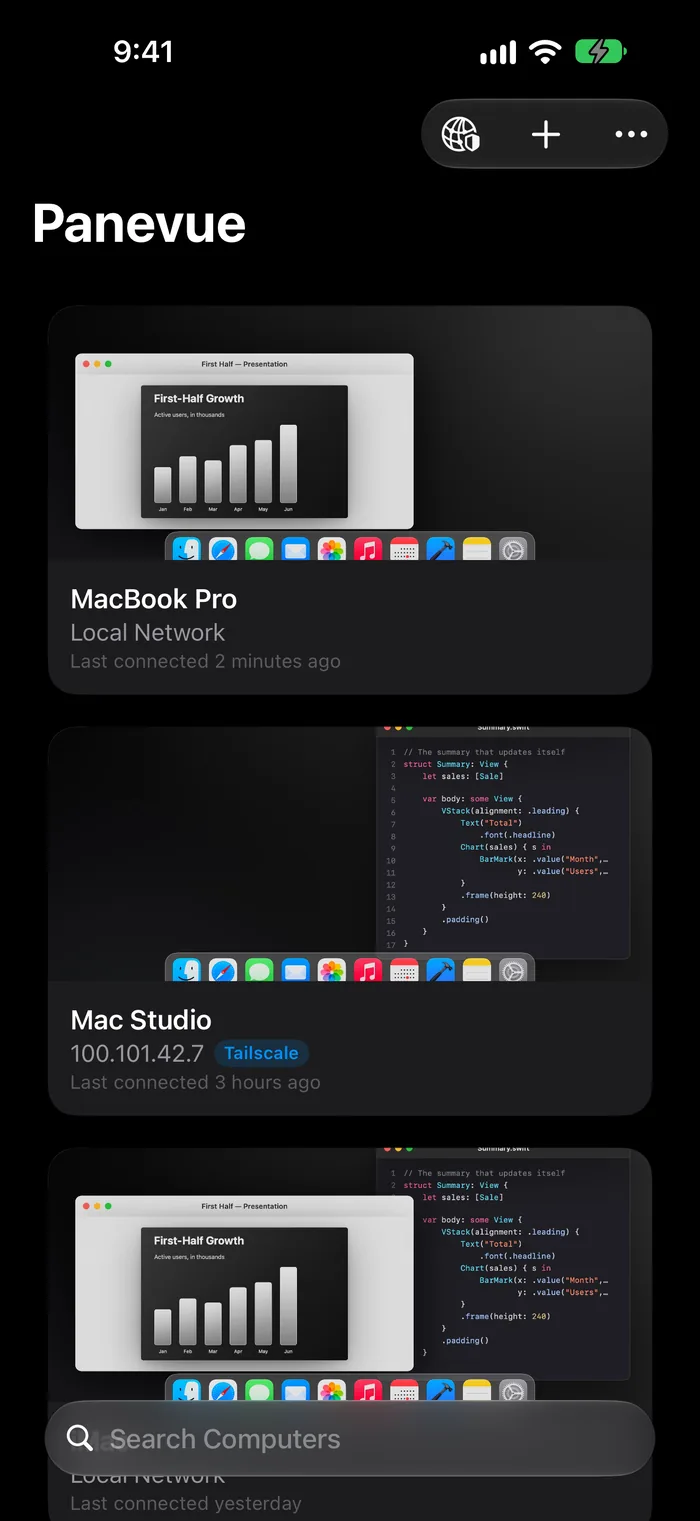
Macs on your network show up on their own. With Tailscale, from anywhere.
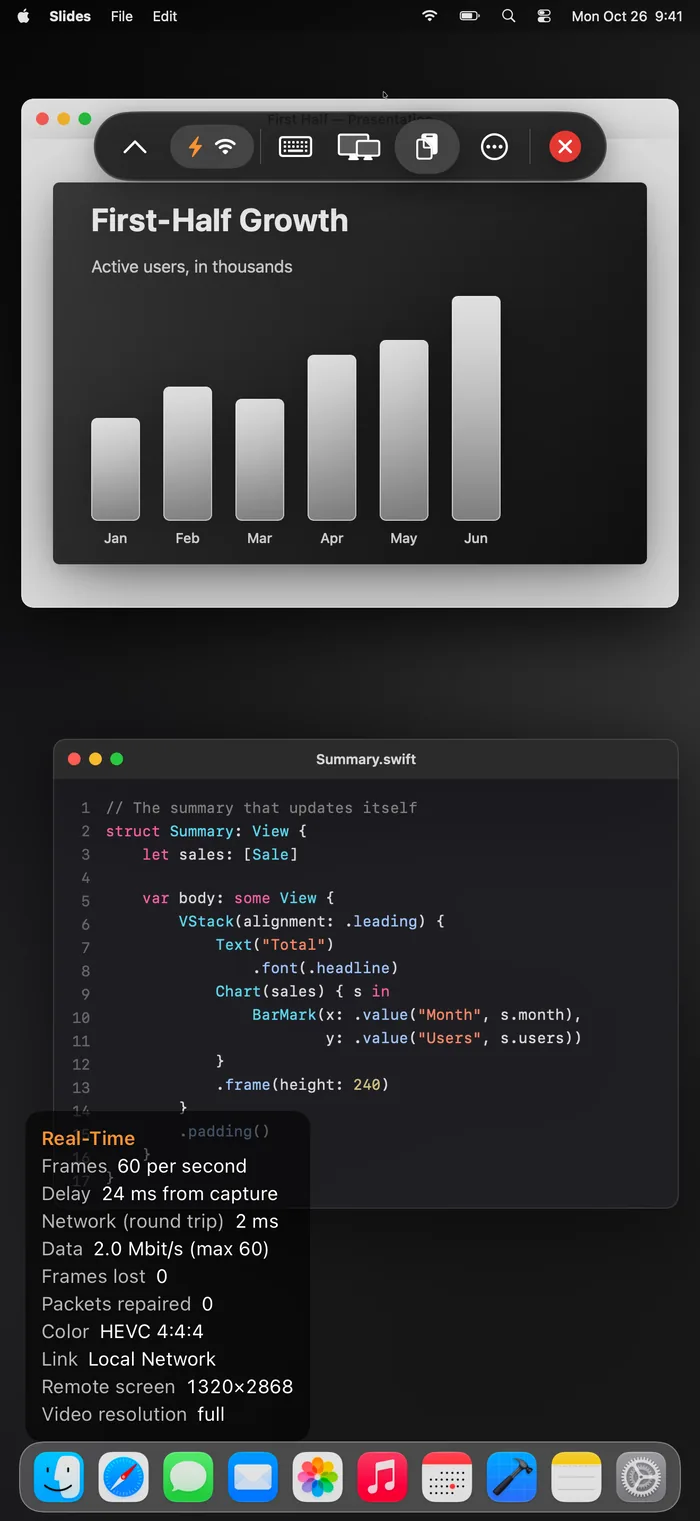
60 frames a second in full color, a few milliseconds behind your Mac.
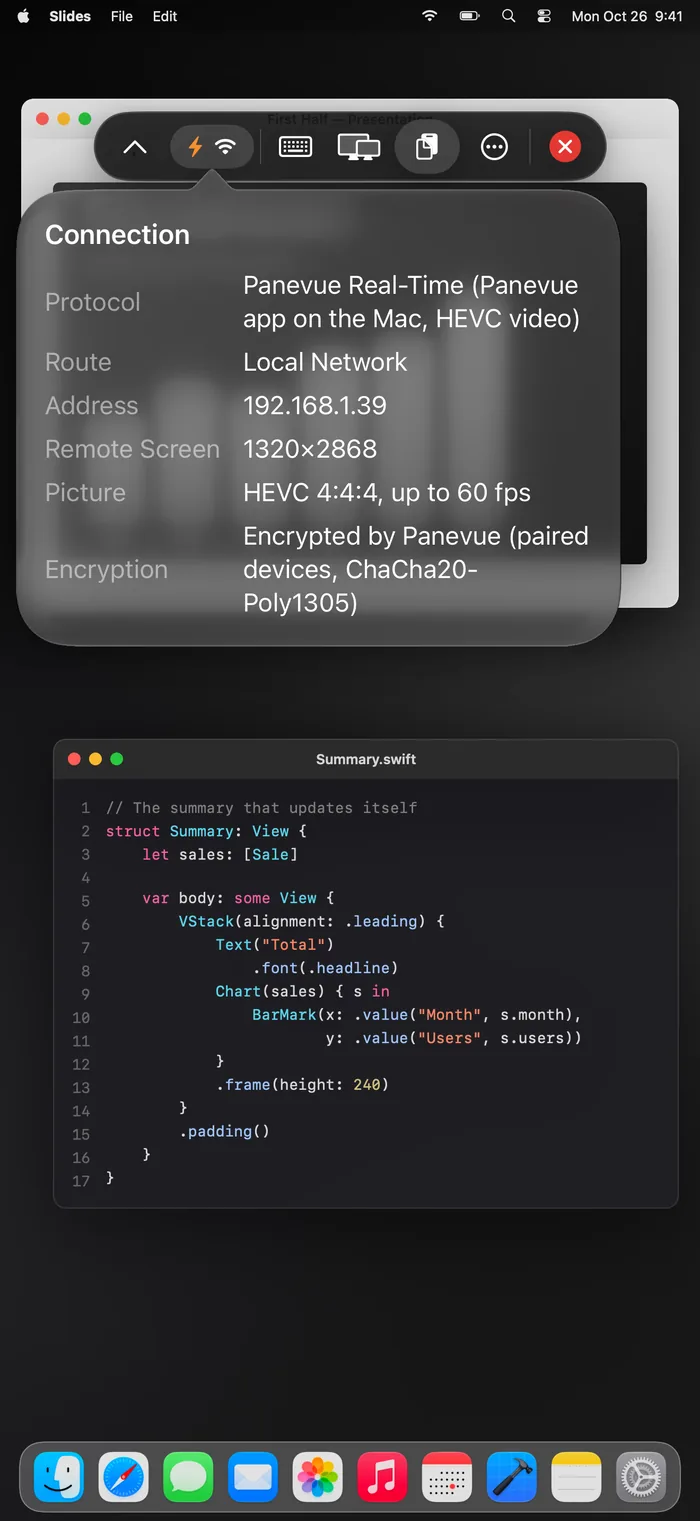
Encrypted between your own devices. No servers, no data collected.
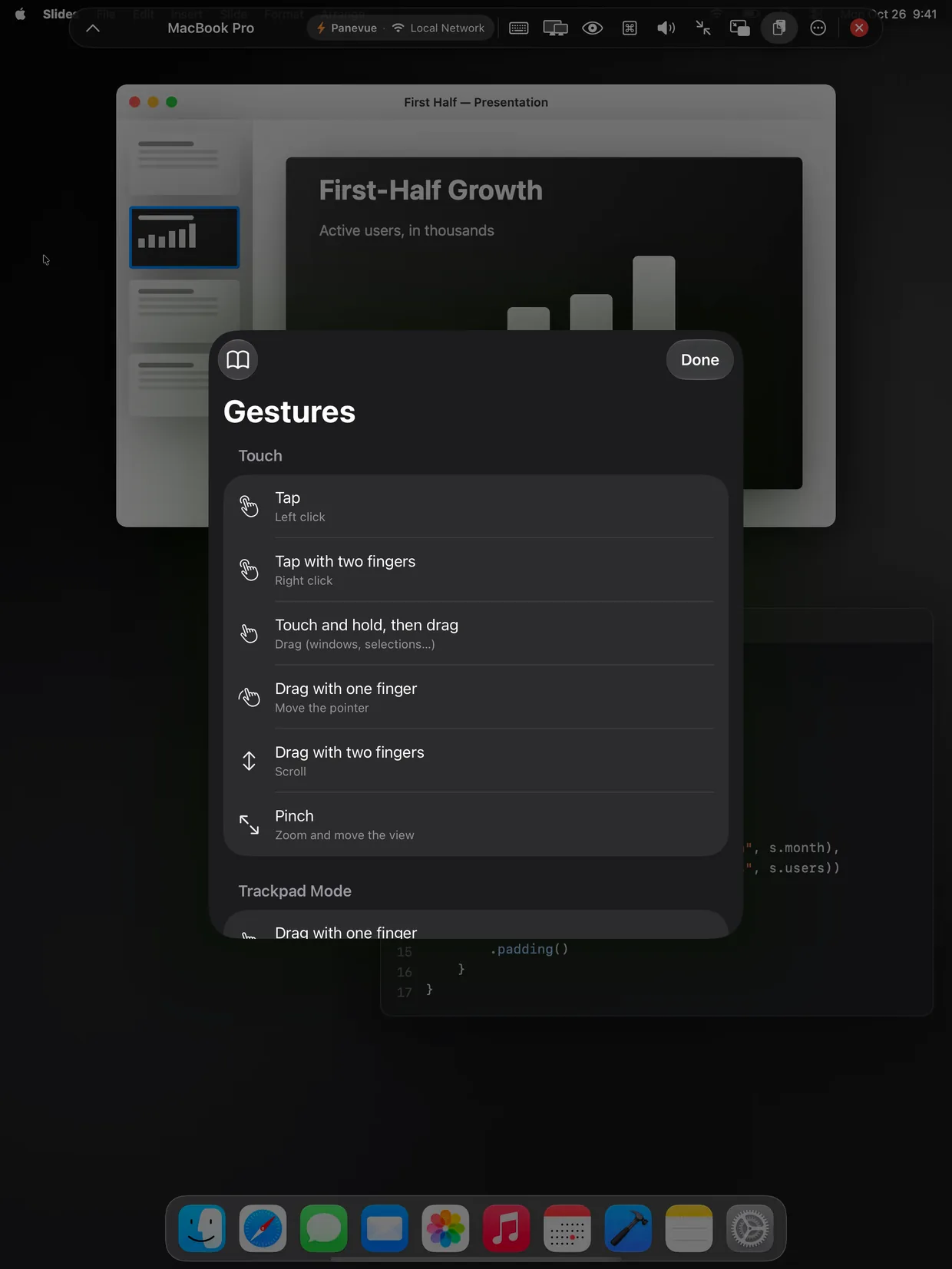
Tap to click, two fingers to right-click, pinch to zoom. Or Magic Keyboard.
Panevue can create a display on your Mac with the exact pixels and proportions of your iPad or iPhone. Every pixel used, nothing stretched, no black bars.
Turn your device, put Panevue next to another app or resize it: your Mac reshapes on its own, as soon as the size holds.
Fit the whole Mac to your device, or add an extra desktop next to the Mac's own, like Sidecar.
When you disconnect, the display disappears and your Mac goes back the way it was.
Open iPhone Duo and your Mac grows with the screen. Close it and your Mac fits the cover screen. No reconnection, no waiting.
With Panevue for Mac your screen streams as hardware-encoded HEVC in full color, tuned for latency, not for movies. Text stays as crisp as on the Mac itself.
On Macs with Max and Ultra chips the screen is split between both video engines, for even lower latency.
Error correction rebuilds lost packets on the spot, and a lost frame is refreshed from one your device already has.
Paced sending keeps Wi‑Fi, mobile networks and Tailscale from dropping bursts, and the stream changes network without a pause.
The Macs on your network show up on their own, with a live preview of each screen. With Tailscale you connect from anywhere, encrypted, with nothing to set up on your router.
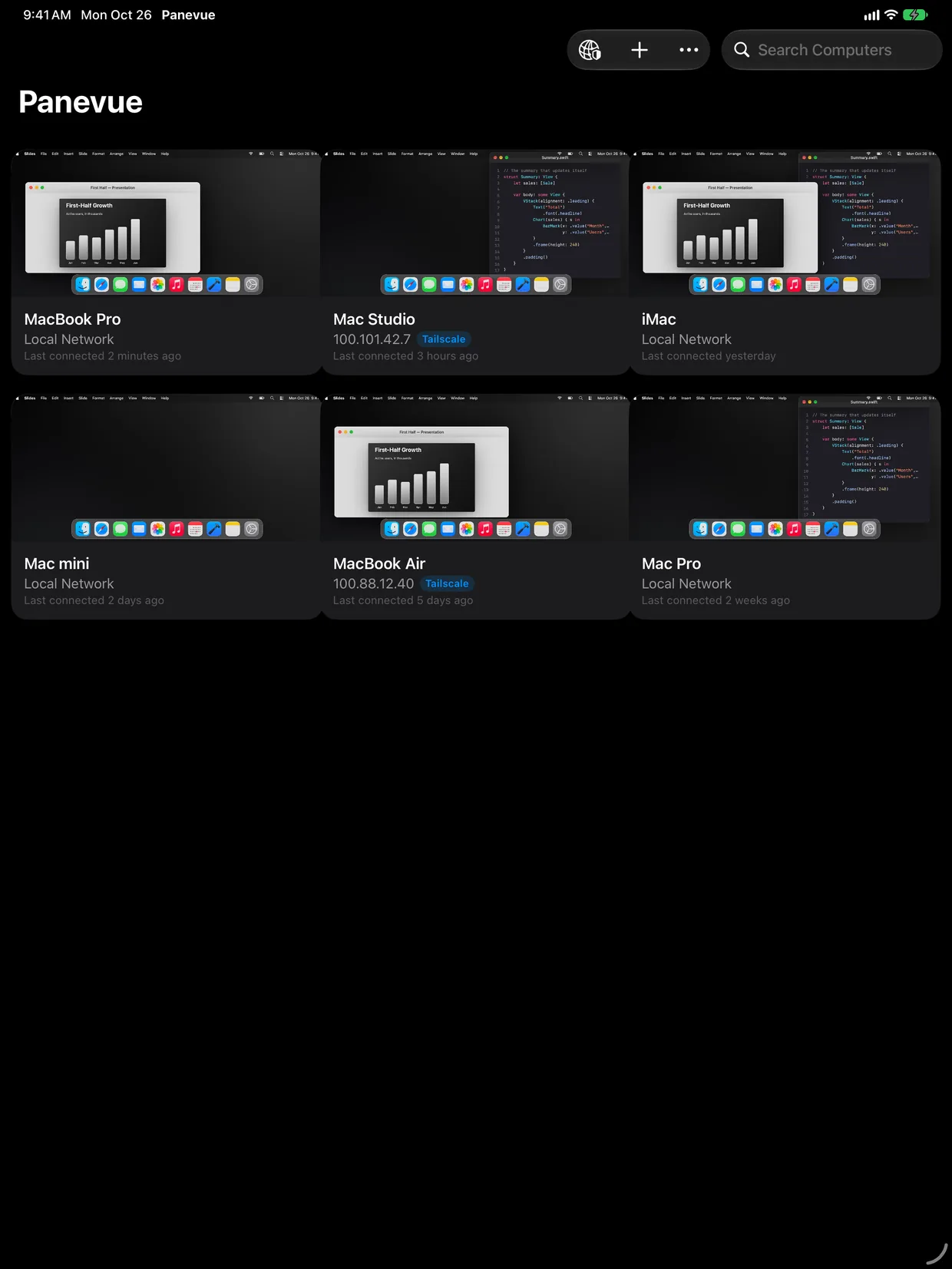
Use your Mac the way that suits the moment, from a quick tap on the couch to a full day with Magic Keyboard.
A bar of Mac keys above the keyboard: Esc, Tab, Control, Option, Command, arrows and function keys. Write or dictate with autocorrect, then send it all.
Tap to click, two fingers to right-click and scroll, pinch to zoom. Or turn on trackpad mode and move the pointer like on a MacBook.
Pointer capture, smooth scrolling and every Mac shortcut, even the ones iPadOS keeps for itself.
Text and images, both ways.
Send files to your Mac and receive them back, up to 4 GB, encrypted.
Hear your Mac on your device, with low latency.
Keep your Mac in a floating window while you use other apps.
Your Mac goes on the big screen, your iPad becomes its trackpad.
Black out your Mac's screens for anyone near it while you use it from afar.
Pick which display to see, and open several Macs side by side with Stage Manager.
The session's status on the Lock Screen and in the Dynamic Island.
Panevue has no servers and doesn't need an account. With Panevue for Mac your screen travels directly from your Mac to your device, encrypted end to end, and nothing about you is collected.
The first time, your Mac and your device show the same 6-digit code, and you confirm it on both. Approving on the Mac alone isn't enough.
Video, keyboard, clipboard and files are encrypted with ChaCha20‑Poly1305, with keys only your two devices know.
No analytics, no tracking, no accounts. Read the privacy policy.
It shares your screen with your iPad and iPhone in real time. It lives in the menu bar, with no Dock icon, and can start on its own when you log in.
Panevue connects to macOS Screen Sharing and to any VNC server on Windows, Linux and Raspberry Pi.
Open it, and allow Screen Recording and Accessibility when your Mac asks.
On the same network, your Mac shows up on its own.
Check that it's the same on both screens. Next time, it just connects.
Your Mac, or any VNC computer, on your device.
On its way to the App Store.
Shares your Mac in real time with Panevue on your iPad and iPhone. Free.
iPadOS 26 or later.
iOS 26 or later.
macOS 26 or later for real-time streaming. Any Mac with Screen Sharing for VNC.
No. Panevue works with macOS Screen Sharing (turn it on in System Settings › General › Sharing) and with any VNC server. The Mac app adds real-time streaming in HEVC 4:4:4, sound, files, the display made for your device and everything else that needs your Mac's help.
Yes, with Tailscale. Install it on your Mac and on your device with the same account and turn it on: Panevue finds your Mac and tries your home network and Tailscale together, using whichever answers first. Nothing to set up on your router.
Make sure Panevue for Mac is running (look for it in the menu bar) and that connections are allowed in its menu. Your device and your Mac need to be on the same network, or both on Tailscale. Also check that Panevue may use the local network, in Settings › Privacy & Security › Local Network.
On your Mac, turn on "Wake for network access" in System Settings › Energy, or Battery › Options on a laptop (Panevue for Mac's menu tells you if it's on). A sleeping Mac can only be woken from the same network, not through Tailscale.
Panevue for Mac needs Screen Recording to see the screen and Accessibility to move the mouse and type. Allow both in System Settings › Privacy & Security; the app's menu shows what's missing.
Write to support@panevue.com. Tell us your device, your Mac and what happened, and we'll get back to you.